1. Send the photo
A scan or a phone photo of the print, either is fine.
Colourising · on Telegram
Send the photo and say “add colour”. Skin tones, clothes, foliage and sky are worked out from what is in the picture, so the result looks photographed rather than painted over.
2 free images every week · no signup · up to 4K, no watermark
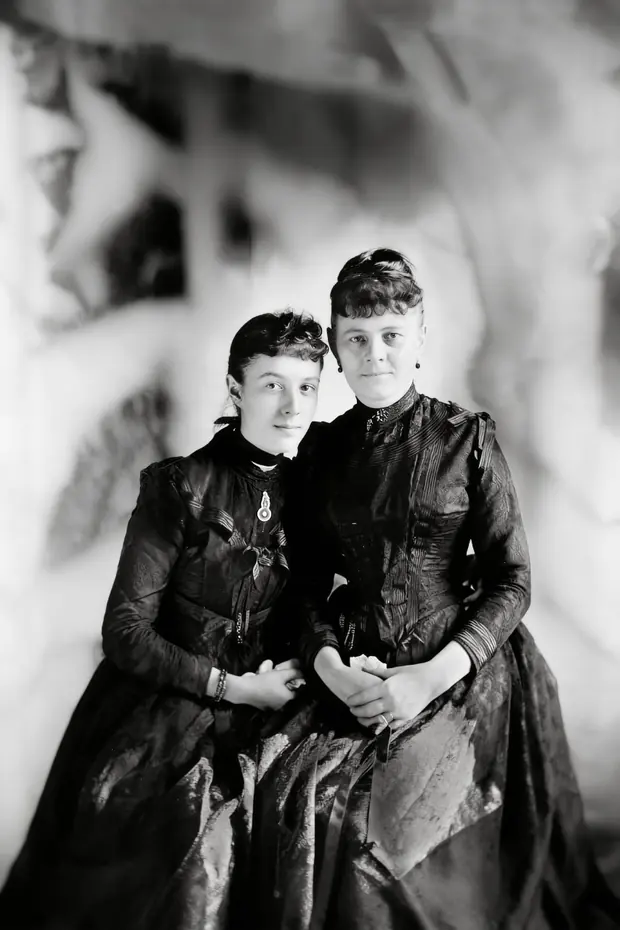
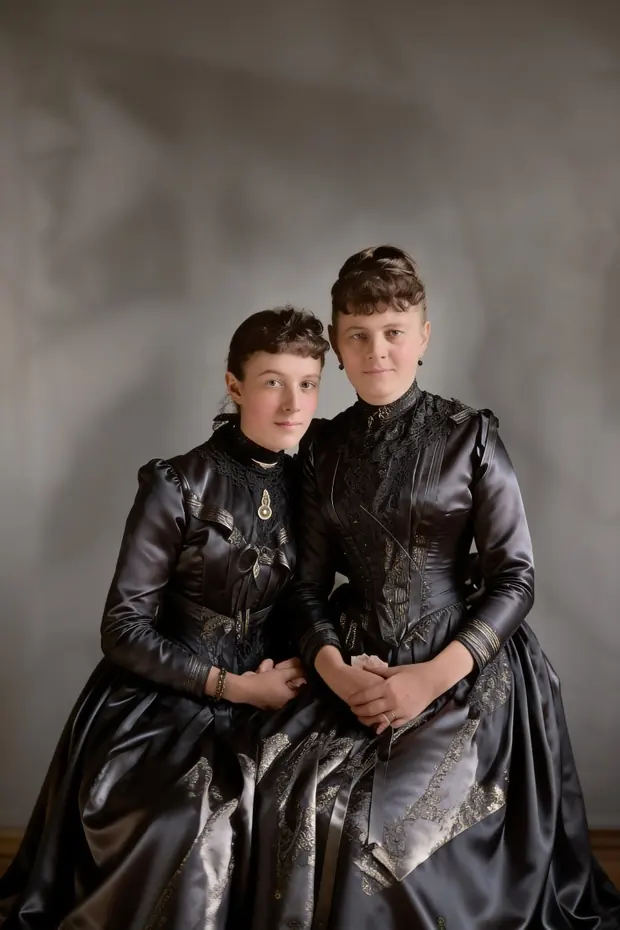
Original photograph: Boston Public Library
How it works
A scan or a phone photo of the print, either is fine.
Or be specific: “her dress was green”. Anything you know beats anything it has to guess.
“warmer”, “less orange”, “the coat was navy”. It keeps the rest and changes only what you named.
Getting a good result
Questions
No. They are a plausible reconstruction from what the greys suggest and what things of that kind usually look like. Tell it any colour you actually remember and it will use that instead of guessing.
Yours is untouched — nothing is overwritten. Ask for it again in black and white at any point in the chat.
Yes. Most people send a phone photo of the print rather than a scan. Flat, in daylight, no flash.
Also
Send a damaged or faded photo and get it back with the creases gone, the faces sharp and natural colour added. Works on scans and on phone snaps of a print. Free to start.
Send separate photos of different people and get them all in a single portrait, even if they were never in the same room. Free to start, no signup.
Send a photo and get it back as an anime or hand-painted animation still. Faces stay recognisable. Free to start, no signup, up to 4K.
Free to start